Neurorobotics Studio: brain-inspired AI for robots
Physical Intelligence,
Unlocked.
On-device inference, with no GPU cluster required. A professional-grade platform with a learning curve that fits a weekend.
Built for the people putting AI into the physical world
AI Developers
Physical AI & Embodied Intelligence
Go beyond fine-tuning LLMs on robot data. Design multi-modal neural architectures that perceive, reason, and act in real physical environments, using a brain-inspired engine built for on-device inference.
Robotics Engineers
Cognitive Control for Edge Robots
Replace brittle rule-based controllers with adaptive neural systems that learn from demonstration. Native ROS2 integration, built-in simulators, and one-click deployment to your target hardware.
Cognitive Neuroscientists
Neural Circuit Hypothesis Testing
Implement real cortical circuits, map them to anatomical brain regions, and test your models against behavioral outcomes, all inside a simulated embodiment you can observe in 3D in real time.
Hobbyists & Students
Learn by Building, Not Reading
No background in AI or robotics required. Pick a simulator, wire up your first neural circuit, and watch it learn, all in the same afternoon. Free community tier. Runs locally after sign-in.
Every tool in one workspace
Stop stitching together tools that don't talk to each other. The full experiment loop (design, train, connect, deploy) in a single desktop app. Tap any tile to learn more.
01
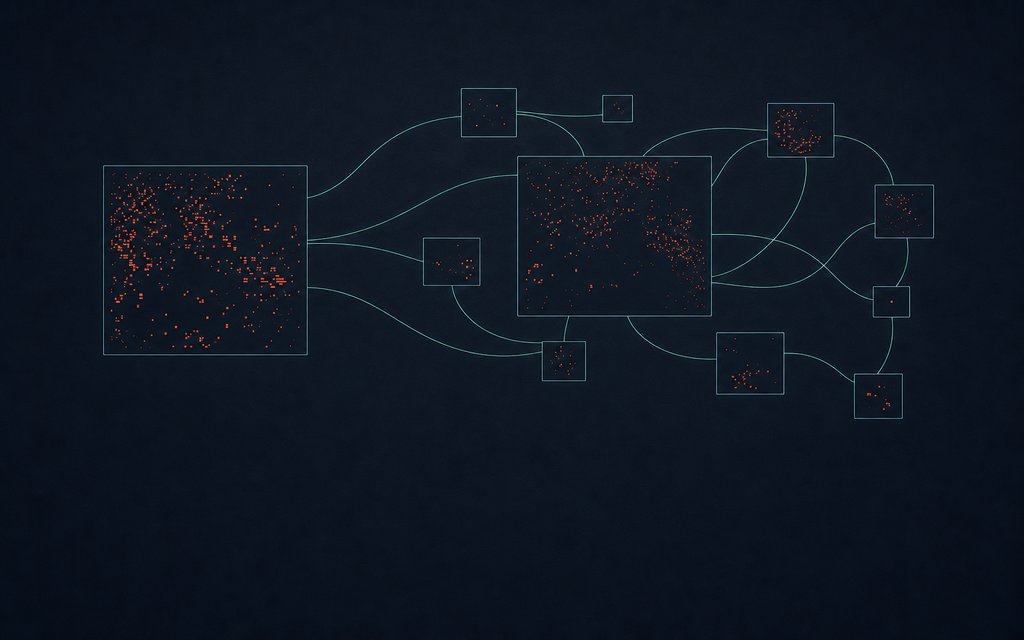
3D Brain Visualizer
Inspect every cortical area, neuron, and synapse of your AI model in real time. Not logs. A live 3D connectome that shows you exactly how your neural architecture behaves.

02
Any robot, any simulator
Start with a built-in simulator with no hardware required. When you're ready, connect to a physical robot or ROS2 system. Same brain model, zero code changes.
03
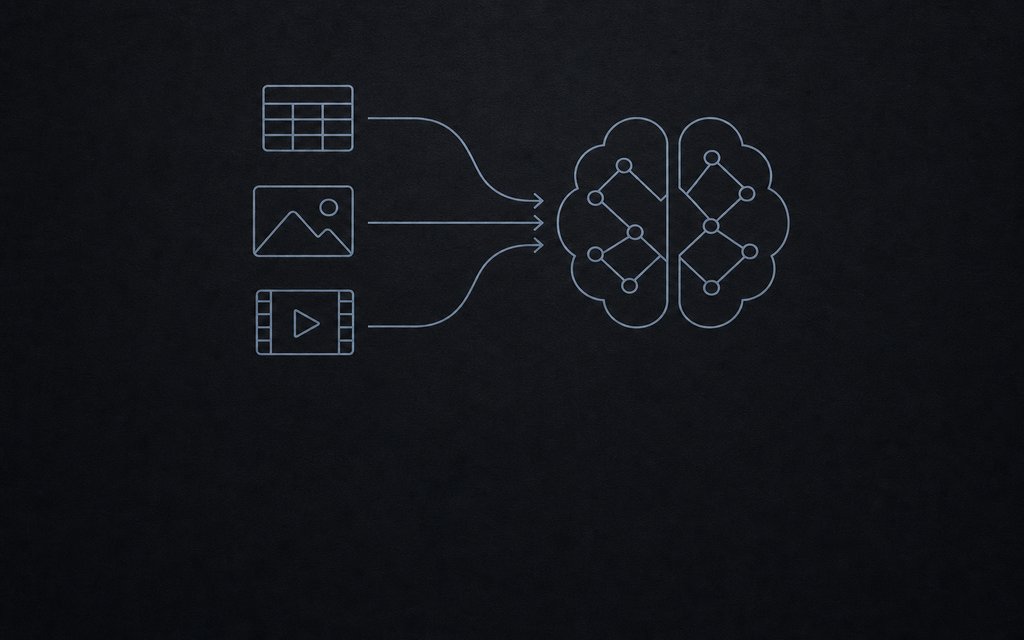
Train by demonstration
Teach FEAGI with CSV, video, or live sensor streams, not labeled datasets and GPU clusters. Imitation learning that adapts on-device, in real time.
04
ROS2 connector
Native bridge to the ROS2 ecosystem. Topic inspection, message routing, and bidirectional FEAGI integration with no custom glue code required.
05
Perception pipeline
Vision Lab gives you segmentation, object detection, pose estimation, and depth, all streamed directly into FEAGI cortical areas as sensory input.
06
Hey FEAGI
An in-app AI assistant that understands the FEAGI architecture. Describe what you want your model to do in plain language and it maps it to cortical configuration.
These are just a few of the tools inside Neurorobotics Studio. Download and explore the full suite.
From install to experiment
in minutes.
1
Download and install
Free for macOS and Windows. Runs on your machine. Sign in to start.
2
Pick your embodiment
Choose from a diverse range of supported simulators and start immediately with no hardware needed. Swap to a physical robot, ROS2 system, or custom environment whenever you're ready.
3
Start with a community brain
Browse the Brain Hub for ready-made neural architectures, load one into your embodiment, and start experimenting immediately with no training required to see results.
More to discover before you download
Download Neurorobotics Studio
Free community tier. Runs locally. Your models, your data. No hardware required to get started.


Part of the Brains for Robots® ecosystem
Neurorobotics Studio is the desktop hub for the broader platform. Browse robot embodiments, share brain models with the community, and run experiments, all connected through your local workspace.
Everything you need to know
What is FEAGI?
+
FEAGI (Framework for Evolutionary Artificial General Intelligence) is Neuraville's open-source, biologically inspired neural engine for embodied AI and robotics. It powers perception, cognition, and control through event-driven spiking neural circuits in a real-time closed loop, with composable brain architectures deployable from microcontrollers to powerful DGX servers in the cloud. FEAGI is the engine behind Neurorobotics Studio and is also available directly via Python, Rust, and Java SDKs under the Apache 2.0 license at github.com/feagi.
How does FEAGI differ from traditional deep learning frameworks?
+
Unlike standard deep learning, and unlike PyTorch-based SNN libraries such as SNNTorch and SpikingJelly that still depend on surrogate gradient descent, Neurorobotics Studio uses gradient-free, biologically grounded computation. The genome defines the brain's structure as a composable blueprint. When instantiated, it produces a connectome where learning happens through local spike-timing rules (STDP) with no global error signal or backpropagation pass. Like biological brains, a connectome can be shaped through a structured pre-training phase and also continues to adapt in real time while running on a physical or simulated body.
What is Neurorobotics Studio?
+
Neurorobotics Studio is the desktop platform for designing, training, and deploying adaptive AI on simulated or physical robots. It provides a visual workspace powered by FEAGI, Neuraville's open-source brain-inspired AI engine, allowing users to build neural architectures that learn and adapt on-device without writing code.
Who is Neurorobotics Studio designed for?
+
Neurorobotics Studio is designed for four primary groups: AI developers building multi-modal architectures for physical AI and embodied intelligence; robotics engineers who want adaptive cognitive control systems for edge and mobile robots; cognitive neuroscientists who want to implement and test neural circuit hypotheses on simulated embodiments; and hobbyists and students who want to learn AI and robotics by building hands-on projects.
Does Neurorobotics Studio require a robot or special hardware?
+
No. Neurorobotics Studio includes MuJoCo simulation today, so you can design and train AI models without any physical hardware. Physical robots are optional, not required.
Can I get started with Neurorobotics Studio without a paid subscription?
+
Yes. Download Neurorobotics Studio and sign in — the Community tier gives you full access to the platform with no subscription required. Training and inference run entirely on your local machine. Pro and Team plans unlock additional collaboration features and enterprise capabilities.
Does Neurorobotics Studio support ROS2?
+
Yes. Neurorobotics Studio includes a native ROS2 connector with bidirectional FEAGI integration, real-time topic inspection, and message routing with no custom middleware or glue code required.
Can Neurorobotics Studio be used for neuroscience research?
+
Yes. Cognitive neuroscientists can use Neurorobotics Studio to implement real cortical circuits, map them to anatomical brain regions, and test behavioral hypotheses on simulated embodiments. The 3D Brain Visualizer provides real-time inspection of every neuron and synapse during experiments.
What simulators does Neurorobotics Studio support?
+
Neurorobotics Studio has deep integration with MuJoCo today. Support for Webots and Godot within Neurorobotics Studio is coming soon — FEAGI already supports these simulators at the engine level.
What operating systems does Neurorobotics Studio support?
+
Neurorobotics Studio is available today for macOS on Apple Silicon (M Series), macOS on Intel, and Windows. Support for Linux is coming soon.
Ready to build your first brain?
Download Neurorobotics Studio and start your first experiment today. Free community tier. No robot hardware required.

macOS & Windows
Download
What this page answers
What is Neurorobotics Studio? A desktop platform for building and deploying brain-inspired AI.
What powers it? FEAGI, the open-source neural engine.
Where do I start? Download the app, then choose Community, Pro, or Team.