Simulating a TurtleBot in a Maze Using Godot Game Engine
by Owen Aherne, Andrew Amilcar, Xiaocheng Ma
December 12, 2024
Overall, this project was extremely fun and rewarding. We got a chance to work as a team, and work with a company that we all thought was extremely cool and exciting! Working with Neuraville has been a blast, and we can't thank them enough for all of their guidance and support.
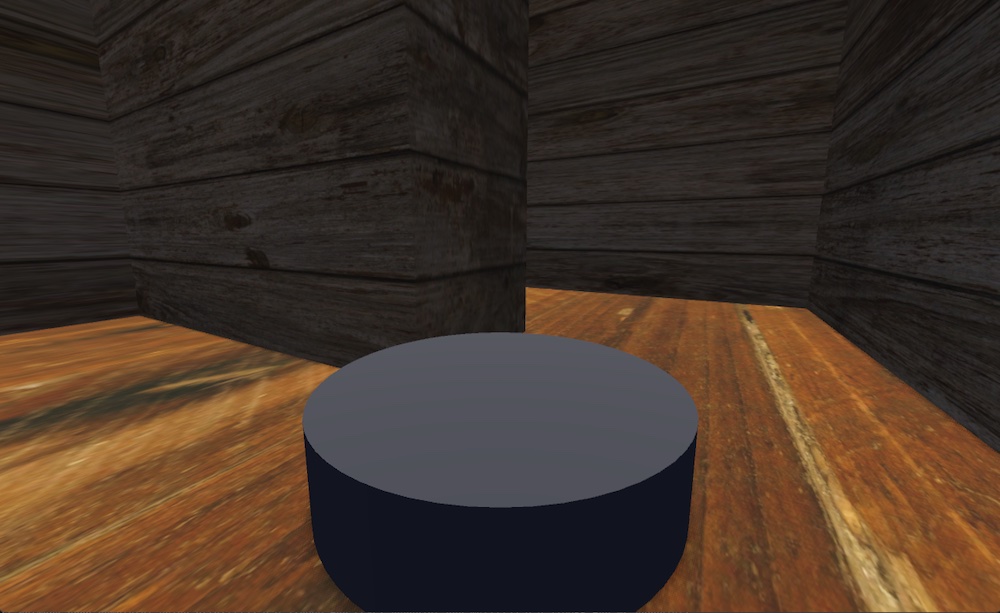
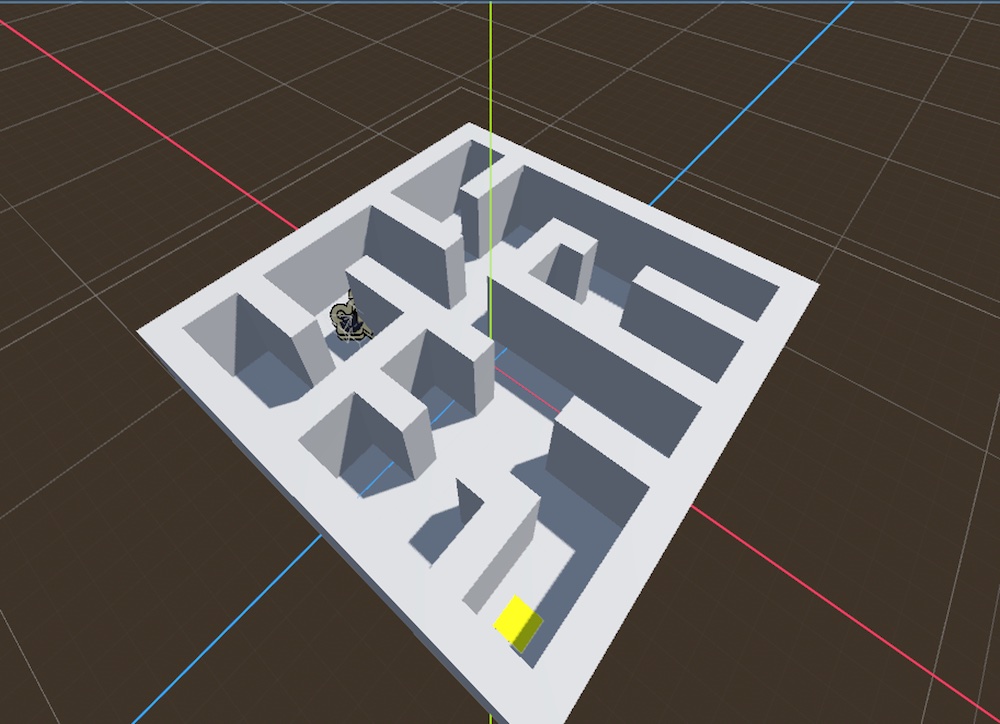
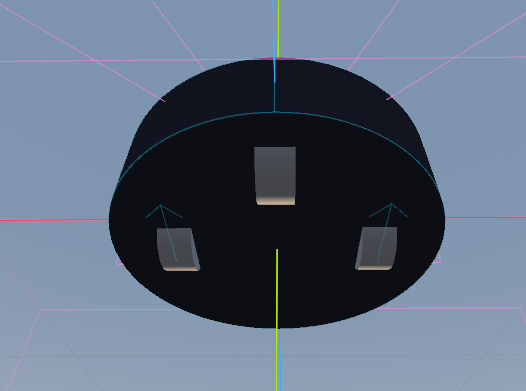
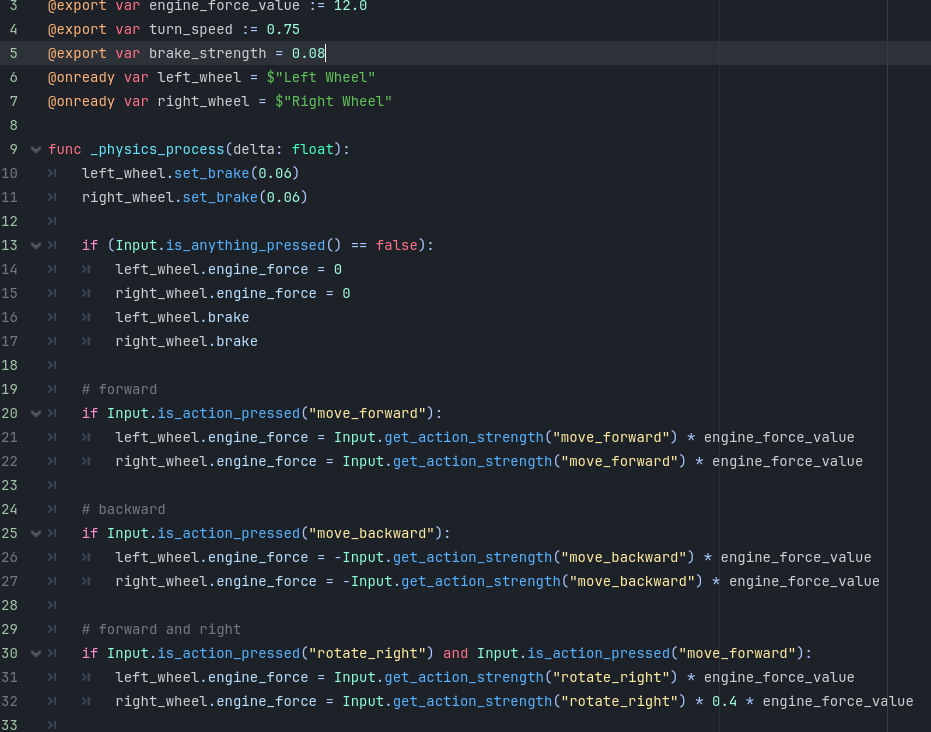
We had also completed all of the levels, and the code to go to the next level after finishing one. We then added a simple timer for each level, and some nice lighting, colors, and shaders to make the game more appealing to the eye and easier to play. After all of this there were only a few more tweaks that needed to be made. The first was added some basic distance sensors to the bot so it can know when it is getting close to a wall. We send this information to FEAGI, and it is also able to know when the bot is getting close to a wall. We added some images of fruit along the maze so that FEAGI (and the user) is able to learn where in the maze it is, and where it has been before. And that marks the end of our work with Godot!
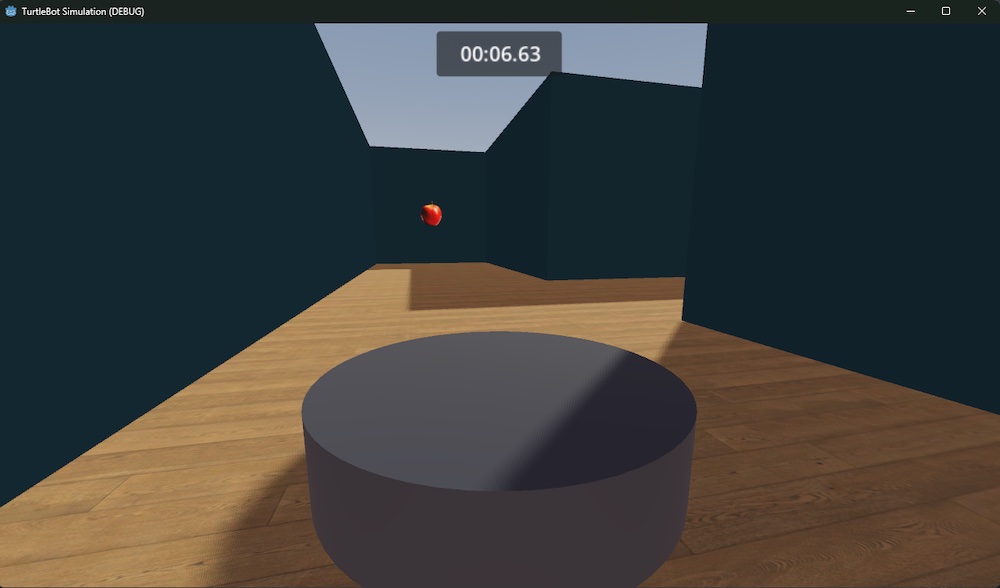
We then proceeded to make some very simple genomes in Neurorobotics Studio so we can play the game fully with FEAGI. Since our code used Godot's input map, the connection with FEAGI was really simple.
Future Work
In the future we hope that the bot will be able to complete the maze all on its own, and learn the different maze patterns so that it can do the mazes in the most efficient way possible. The bot can learn it's surroundings and not only be able to detect if it's getting close to the wall, but also avoid any obstacles in the path of the bot. One cool thing we also want to be included in the future is the ability for the bot to be controlled using some kind of gesture recognition. For instance: If someone standing in front of the bot wanted the bot to do a spin, they could hold up a single finger, the bot would recognize that, and do the action. The possibilities for this are endless, and we are so excited to see what the future brings for this TurtleBot!
This post was contributed by a member of the NRS community and reflects their own work and findings.